
1. Введение
This manual provides essential information for the safe and effective installation, operation, and maintenance of your uxcell T4.2 Blue 3020 LED Dashboard Panel Light Bulbs. Please read this manual thoroughly before use and retain it for future reference.
2. Информация по технике безопасности
- Always disconnect the vehicle's battery or turn off the ignition before attempting any electrical installation to prevent electric shock or damage to the vehicle's electrical system.
- Ensure the bulb type (T4.2) is compatible with your vehicle's dashboard socket before installation.
- Handle LED bulbs by their base to avoid touching the LED chip directly, which can transfer oils and reduce lifespan.
- Если вы не уверены в процессе установки, проконсультируйтесь с квалифицированным автомехаником.
- Do not modify the bulbs or use them for purposes other than their intended design.
3. Содержимое упаковки
Пакет должен содержать следующие элементы:
- 6 x uxcell T4.2 Blue 3020 LED Dashboard Panel Light Bulbs

Image: Two uxcell T4.2 LED bulbs, showing the white plastic base and metal contact wires. One bulb is viewed from the side, the other from the top.
4. Технические характеристики
| Бренд | uxcell |
| Модель | Т4.2 |
| Материал | Пластик |
| Тип светодиода | 3020 СМД |
| Тип гнезда | Т4.2 |
| Светлый цвет | Синий |
| Dimensions (Base Diameter * Height) | 10 х 8 мм |
| LED Quantity per Bulb | 1 |
5. Настройка и установка
Follow these general steps for installing the T4.2 LED bulbs. Specific vehicle procedures may vary, so consult your vehicle's service manual if necessary.
- Подготовьте автомобиль: Во избежание поражения электрическим током убедитесь, что зажигание автомобиля выключено, а аккумулятор отсоединен.
- Access the Dashboard Panel: Carefully remove the necessary dashboard trim or components to gain access to the instrument cluster or panel where the T4.2 bulbs are located. Refer to your vehicle's specific repair manual for detailed instructions on accessing these areas.
- Identify and Remove Old Bulb: Locate the existing T4.2 bulb. Gently twist or pull the old bulb from its socket. Some bulbs may require a small tool for removal.
- Вставьте новую светодиодную лампочку: Carefully insert the new uxcell T4.2 LED bulb into the empty socket. Ensure it is seated firmly.
- Тестовая функциональность: Before reassembling the dashboard, reconnect the vehicle's battery and turn on the ignition to test if the new LED bulb illuminates correctly. If it does not light up, remove the bulb, rotate it 180 degrees, and reinsert it (LEDs are polarity sensitive). Test again.
- Соберите приборную панель: Once confirmed working, carefully reassemble all dashboard components and trim removed in step 2.
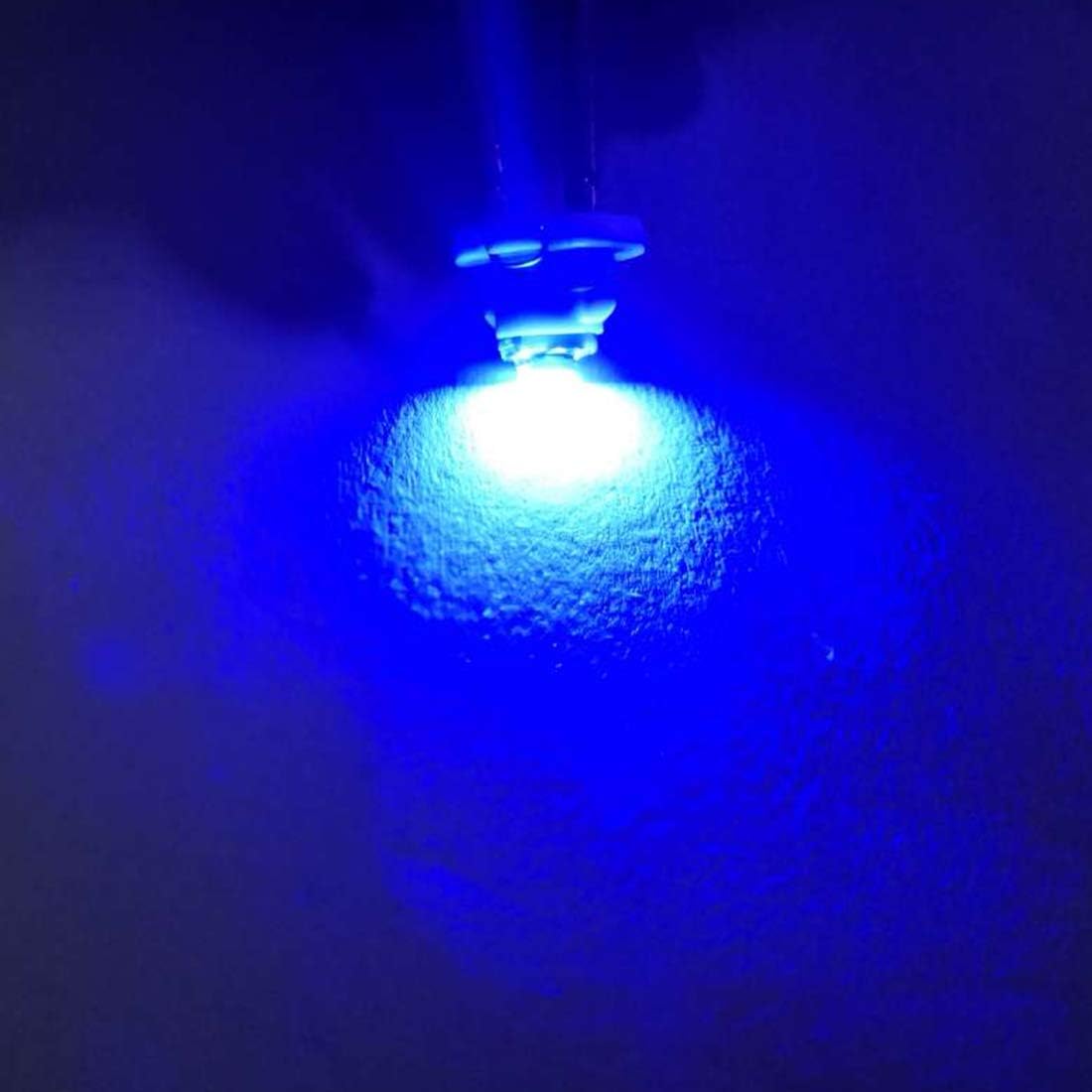
Image: A single uxcell T4.2 LED bulb illuminated, casting a distinct blue light onto a surface, demonstrating its operational appearance.
6. Инструкция по эксплуатации
Once properly installed, the uxcell T4.2 LED dashboard panel lights operate automatically with your vehicle's electrical system. They will illuminate when the corresponding circuit (e.g., dashboard lights, indicator lights) is activated by the vehicle's ignition or light switch.
7. Техническое обслуживание
These LED bulbs require minimal maintenance. To ensure optimal performance and longevity:
- Уборка: If the bulbs become dusty or dirty during installation, gently wipe them with a soft, dry, lint-free cloth. Avoid using liquid cleaners directly on the LED components.
- Проверка связи: Periodically, if accessible, ensure the bulbs remain firmly seated in their sockets to maintain a good electrical connection.
- Избегайте экстремальных условий: While designed for automotive use, prolonged exposure to extreme temperatures or excessive vibration beyond normal vehicle operation may affect lifespan.
8. Поиск Неисправностей
If your uxcell T4.2 LED bulbs are not functioning as expected, consider the following:
| Проблема | Возможная причина | Решение |
|---|---|---|
| Лампочка не загорается. | Incorrect polarity (LEDs are polarity sensitive). | Remove the bulb, rotate it 180 degrees, and reinsert it into the socket. |
| Лампочка не загорается. | Loose connection or faulty socket. | Ensure the bulb is firmly seated. Check the socket for damage or corrosion. |
| Лампочка не загорается. | Blown fuse in the vehicle's electrical system. | Consult your vehicle's manual to locate and inspect the relevant fuse. Replace if necessary. |
| Лампочка мерцает или светит тускло. | Poor electrical contact or voltagе колебание. | Re-seat the bulb. Check vehicle's electrical system for stable voltage. |
If problems persist after attempting these solutions, contact uxcell customer support or a qualified automotive technician.
9. Гарантия и поддержка
For warranty information or technical support regarding your uxcell T4.2 LED Dashboard Panel Light Bulbs, please refer to the purchase documentation or contact uxcell customer service directly. Contact details can typically be found on the uxcell official webсайте или через вашего розничного продавца.