
Введение
This manual provides essential instructions for the proper installation, operation, and maintenance of your Samsung BN07-01044A LCD-Panel. Please read this manual thoroughly before attempting to install or use the product to ensure safe and efficient operation. Keep this manual for future reference.
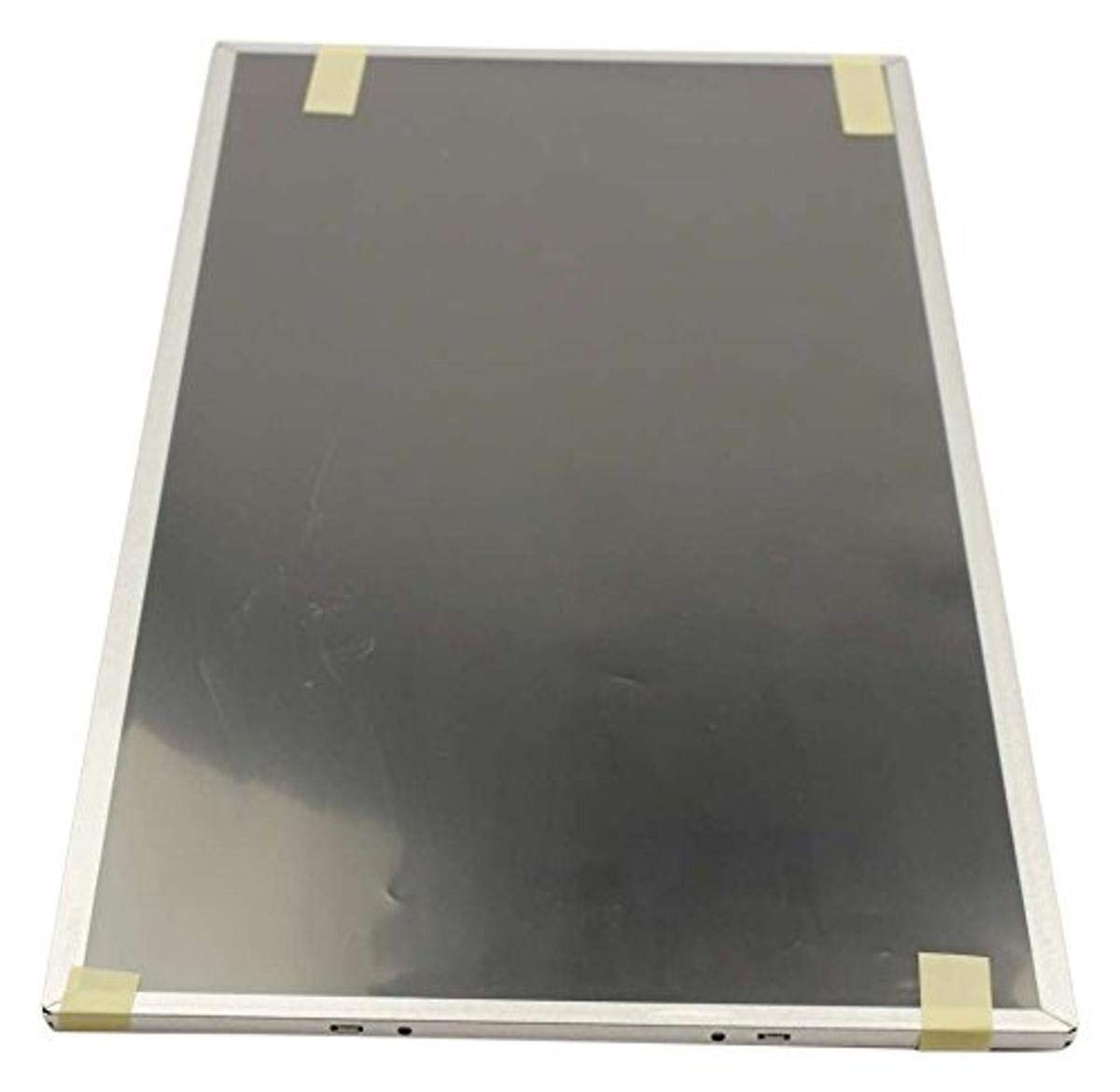
Figure 1: Samsung BN07-01044A LCD-Panel. This image displays the Samsung BN07-01044A LCD-Panel, showing its general form factor and connectors.
Информация по безопасности
Во избежание повреждения изделия или травм всегда соблюдайте следующие меры предосторожности:
- Disconnect power from the device before installation or removal of the LCD panel.
- Handle the LCD panel with care. Avoid touching the screen surface directly.
- Wear anti-static gloves to prevent electrostatic discharge (ESD) damage.
- Перед восстановлением подачи питания убедитесь, что все соединения надежны.
- Do not expose the panel to moisture or extreme temperatures.
- Если вы не уверены в каком-либо шаге, проконсультируйтесь с квалифицированным специалистом.
Содержимое упаковки
Убедитесь, что ваш пакет содержит следующие предметы:
- 1 x Samsung BN07-01044A LCD-Panel
- (Additional components, if any, will be listed on the product packaging.)
Настройка и установка
This LCD panel is an OEM authorized replacement part. Installation typically involves replacing an existing panel within a compatible Samsung device. The following steps are general guidelines; refer to your specific device's service manual for detailed instructions.
- Подготовка: Power off the device completely and disconnect it from all power sources. Remove the battery if applicable.
- Разборка: Carefully disassemble the device to access the existing LCD panel. This may involve removing bezels, hinges, and screws.
- Отключите старую панель: Gently disconnect the video cable (e.g., LVDS or eDP) and any backlight cables from the old panel. Note their orientation.
- Удалить старую панель: Remove the old LCD panel from its housing.
- Установить новую панель: Position the new Samsung BN07-01044A LCD-Panel into the housing. Ensure it fits securely.
- Соединительные кабели: Reconnect the video cable and backlight cables to the new panel. Ensure connections are firm and correctly oriented.
- Повторная сборка: Carefully reassemble the device, ensuring no cables are pinched and all screws are tightened appropriately.
- Начальный тест: Before fully closing the device, connect power and briefly test the display to ensure it functions correctly.
Примечание: Professional installation is recommended for this component to avoid damage to the panel or the host device.
Управление ЖК-панелью
Once installed, the Samsung BN07-01044A LCD-Panel operates as the primary display for your compatible device. Its functionality is managed by the device's operating system and graphics hardware.
- Включение питания: Turn on your device as usual. The LCD panel should display the boot sequence and operating system interface.
- Настройки отображения: Adjust display settings (e.g., resolution, brightness, contrast) through your device's operating system display preferences. Ensure the native resolution of the panel is selected for optimal clarity.
- Графические драйверы: Ensure your device has the latest graphics drivers installed for proper display performance.
Техническое обслуживание и уход
Proper care will extend the lifespan and maintain the performance of your LCD panel.
- Очистка экрана: Используйте мягкую безворсовую ткань, специально предназначенную для электронных устройств. Слегка протрите.ampen the cloth with water or a screen-cleaning solution (avoid ammonia-based cleaners). Gently wipe the screen in one direction.
- Избегайте давления: Do not press firmly on the screen, as this can damage the LCD matrix.
- Условия окружающей среды: Keep the device and panel away from direct sunlight, excessive heat, cold, or humidity.
- Пыль: Regularly dust the screen and surrounding areas with a soft brush or compressed air.
Поиск неисправностей
If you encounter issues with your LCD panel, refer to the following common problems and solutions:
| Проблема | Возможная причина | Решение |
|---|---|---|
| Нет изображения/Черный экран | Loose video cable, incorrect installation, faulty panel. |
|
| Мерцающее или искаженное изображение | Loose cable, incompatible drivers, panel defect. |
|
| Incorrect colors or brightness | Display settings, graphics driver issues. |
|
If these steps do not resolve the issue, contact Samsung customer support or a qualified service technician.
Технические характеристики
| Особенность | Деталь |
|---|---|
| Производитель | Samsung |
| Номер детали | БН07-01044А |
| Номер модели товара | БН07-01044А |
| Размеры продукта | 21 x 15 x 3 дюйма |
| Вес товара | 5.71 фунта |
| Количество в упаковке | 1 |
| Включенные компоненты | appliance-replacement-parts |
| ASIN | B01GSLDALU |
| Дата первой доступности | 8 июня 2016 г. |
Гарантия и поддержка
As an OEM authorized part, this Samsung BN07-01044A LCD-Panel is typically covered by the warranty terms provided by Samsung for their replacement parts. Please refer to the official Samsung website or contact Samsung customer service for detailed warranty information specific to replacement components.
Для получения технической поддержки или по вопросам обслуживания, пожалуйста, посетите официальный сайт. Поддержка Самсунг webсайт или свяжитесь напрямую со службой поддержки клиентов.