
1. Введение
This manual provides instructions for the installation, operation, and maintenance of the Emerson F145RF-1600 Wireless Remote Temperature Sensor. This sensor is designed to work with the Emerson BLUE Wireless Easy Install Universal Wireless Thermostat System to enhance temperature control and reduce hot and cold spots within your home.
Основные характеристики:
- Reduces temperature inconsistencies in various areas.
- Supports up to four wireless remote sensors with the Emerson BLUE Wireless Easy Install Thermostat System.
- Designed for easy installation and pairing.
2. Информация по технике безопасности
Please read and understand all instructions before installing or operating this device. Failure to follow these instructions could result in property damage or personal injury.
- Always turn off power to the thermostat system before performing any installation or maintenance.
- Do not expose the sensor to extreme temperatures, direct sunlight, or moisture.
- Используйте только батареи указанного типа (2 батарейки типа АА).
- Утилизируйте старые батареи ответственно в соответствии с местными правилами.
- Хранить в недоступном для детей месте.
Предупреждение согласно Предложению 65: этот продукт может содержать химические вещества, которые, по данным штата Калифорния, вызывают рак и врожденные дефекты или наносят другой вред репродуктивной системе.
3. Продукт закончилсяview
The Emerson F145RF-1600 is a compact, battery-powered wireless sensor designed to monitor ambient temperature. It communicates wirelessly with a compatible Emerson BLUE thermostat system.
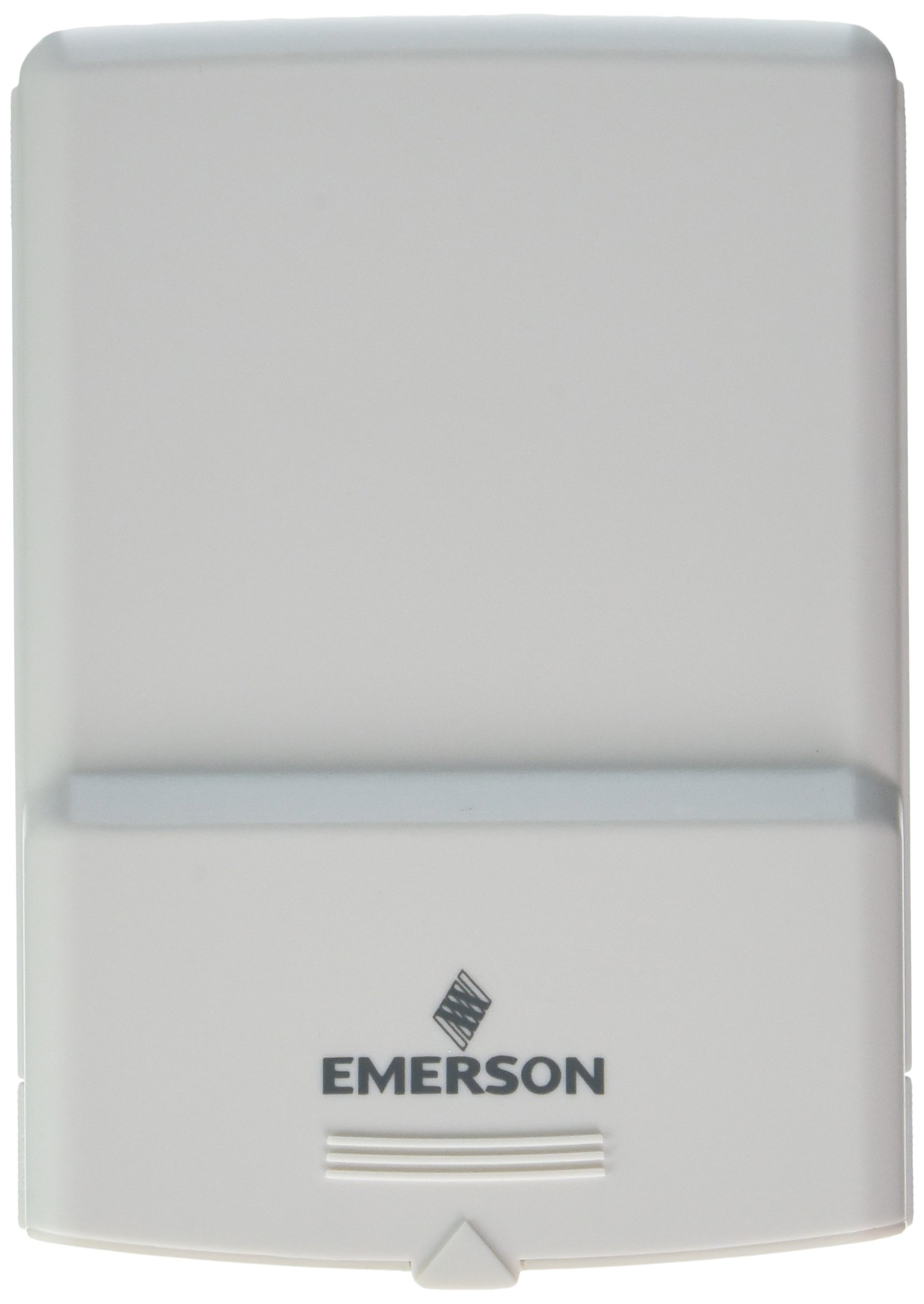
Рисунок 1: Emerson F145RF-1600 Wireless Remote Temperature Sensor. The image displays the sensor in a hand, indicating its approximate height of 4.8 inches (12 cm). The sensor is light-colored, likely white or light grey, with the 'EMERSON' logo visible at the bottom front.
4. Настройка
4.1. Установка аккумулятора
- Найдите отсек для батареек на задней панели датчика.
- Откройте крышку батарейного отсека.
- Вставьте две (2) щелочные батарейки типа АА, соблюдая правильную полярность (+/-).
- Плотно закройте крышку батарейного отсека.
4.2. Pairing with Thermostat System
Refer to your Emerson BLUE Wireless Easy Install Universal Wireless Thermostat System manual for detailed pairing instructions. Generally, the process involves:
- Placing the thermostat system into pairing mode.
- Activating the sensor's pairing function (often a button press or battery insertion).
- Confirming successful pairing on the thermostat display.
Up to four F145RF-1600 sensors can be paired with a single Emerson BLUE Wireless Easy Install system.
4.3. Размещение датчика
Proper placement is crucial for accurate temperature readings and effective system operation.
- Размещение в помещении:
- Place the sensor in a central location within the area you wish to monitor.
- Avoid placing near heat sources (lamps, appliances, direct sunlight) or cold drafts (windows, vents).
- Ensure it is not obstructed by furniture or curtains.
- Outdoor Placement (if applicable):
- Mount the sensor in a shaded area, away from direct sunlight, which can cause inaccurate readings.
- Protect it from direct rain and snow.
- Ensure it is easily accessible for battery replacement.
5. Инструкция по эксплуатации
Once successfully paired and placed, the F145RF-1600 sensor will automatically transmit temperature data to your Emerson BLUE Wireless Easy Install Thermostat System. The thermostat system will then use this data to optimize heating and cooling, helping to maintain a more consistent temperature throughout your home.
- The sensor operates continuously, sending updates to the main thermostat.
- The thermostat system will display the temperature readings from the remote sensors and use them for its control logic.
- No direct user interaction is typically required with the sensor after setup, other than battery replacement.
6. Техническое обслуживание
6.1. Замена батареи
The sensor requires two (2) AA batteries. When batteries are low, your Emerson BLUE thermostat system may indicate a low battery warning for the sensor. Replace batteries promptly to ensure continuous operation.
- Откройте батарейный отсек.
- Удалите старые батареи.
- Insert new AA batteries, observing polarity.
- Закройте отсек.
6.2. Уборка
Wipe the sensor's exterior with a soft, dry cloth as needed. Do not use liquid cleaners or abrasive materials, as these can damage the device.
7. Поиск Неисправностей
| Проблема | Возможная причина | Решение |
|---|---|---|
| Sensor not reporting temperature / No signal |
|
|
| Неточные показания температуры |
|
|
8. Технические характеристики
| Номер модели | Ф145РФ-1600 |
| Производитель | Уайт-Роджерс (Эмерсон) |
| Источник питания | Питание от батареи |
| Требуются батареи | 2 батарейки АА |
| Вес товара | 3.2 унции |
| Размеры продукта | 3.5 x 2.5 x 5.25 дюйма |
| Материал | Пластик |
| Цвет | Синий (Note: Product image shows light grey/white) |
| Количество в упаковке | 1 |
9. Информация о гарантии
Specific warranty details for the Emerson F145RF-1600 Wireless Remote Temperature Sensor are typically provided with the product packaging or can be found on the official Emerson/White-Rodgers webсайт. Пожалуйста, сохраните доказательство покупки для гарантийных претензий.
Подробные условия гарантии можно найти на сайте [ссылка на сайт]. Emerson official webсайт или обратитесь в службу поддержки.
10 Поддержка
If you encounter issues not covered in this manual or require further assistance, please contact Emerson customer support.
- Онлайн поддержка: Посетите Emerson Support Page for FAQs, documentation, and contact options.
- Поддержка по телефону: Refer to your product packaging or the Emerson webсайт с самыми актуальными номерами телефонов службы поддержки клиентов.