
Введение
This manual provides detailed instructions for the setup, operation, and maintenance of your La Crosse Technology Atomic Wall/Table Clock, Model 513-1211. This digital clock features a large LCD display, automatic time setting via atomic signal, indoor temperature monitoring, and a perpetual calendar. It is designed for easy viewing and can be used as a wall-mounted or tabletop device.
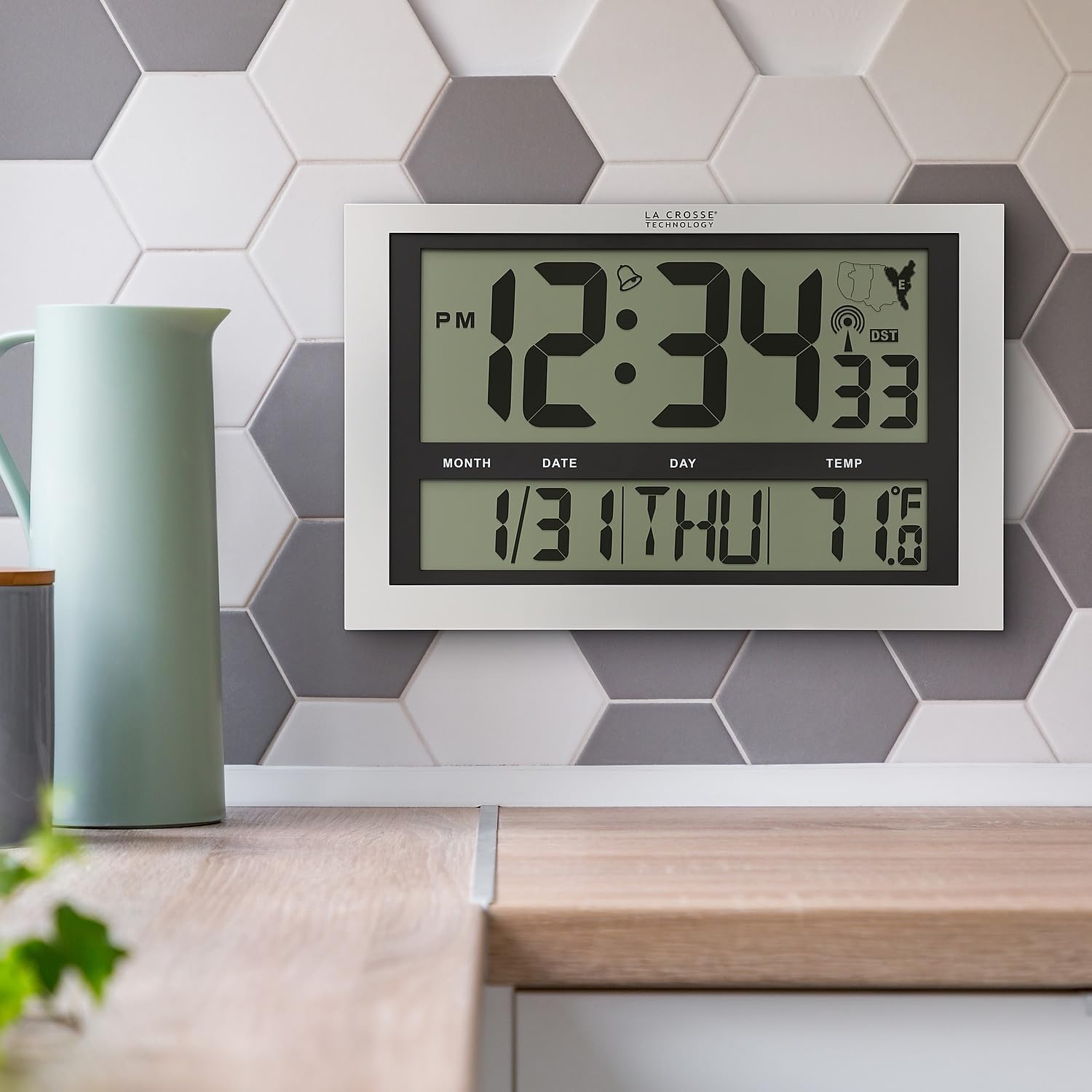
Image: La Crosse Technology Atomic Wall/Table Clock (Model 513-1211) mounted on a kitchen wall, showing the large digital display with time, date, and indoor temperature.
Информация по безопасности
Please read and understand the following safety precautions before using your clock:
- Use only the specified battery type (3 AA alkaline batteries).
- Не смешивайте старые и новые батареи или батареи разных типов.
- Убедитесь, что батареи вставлены с соблюдением правильной полярности (+/-).
- Незамедлительно извлекайте разряженные батареи, чтобы предотвратить утечку.
- Do not expose the clock to extreme temperatures, direct sunlight, or moisture.
- Keep the clock away from strong magnetic fields.
Содержимое упаковки
Проверьте наличие всех предметов в посылке:
- La Crosse Technology Atomic Wall/Table Clock (Model 513-1211)
- Руководство по эксплуатации (данный документ)
Настраивать
1. Установка аккумулятора
The clock requires 3 AA alkaline batteries (not included).
- Найдите батарейный отсек на задней стороне часов.
- Slide up and pull out the battery cover.
- Insert 3 new AA alkaline batteries according to the polarity markings (+ and -).
- Надежно закройте крышку батарейного отсека.

Изображение: сзади view of the clock, highlighting the battery compartment, control buttons (SET, WAVE/+, DST/-, SNOOZE), and time zone switch.
2. Initial Setup and Atomic Signal Reception
After battery installation, the clock will automatically begin searching for the atomic time signal (WWVB). This process may take several minutes to several hours, depending on your location and environmental conditions. For best reception, place the clock near a window, facing generally towards Fort Collins, Colorado (USA).
- Выберите часовой пояс: Use the time zone selector switch (PST, MST, CST, EST) on the back of the clock to choose your desired time zone.
- The clock will attempt to synchronize with the atomic signal. A signal strength indicator will appear on the display.
- Manual Time Setting (Optional): If the atomic signal is not received, or if you prefer to set the time manually, press and hold the НАБОР button for 3 seconds to enter settings. Use the WAVE/+ и DST/- кнопки для настройки значений и НАБОР для подтверждения.
3. Варианты монтажа
The clock can be displayed on a flat surface or mounted on a wall.
- Настольное использование: Extend the foldout legs located on the back of the clock to stand it upright on a desk or shelf.
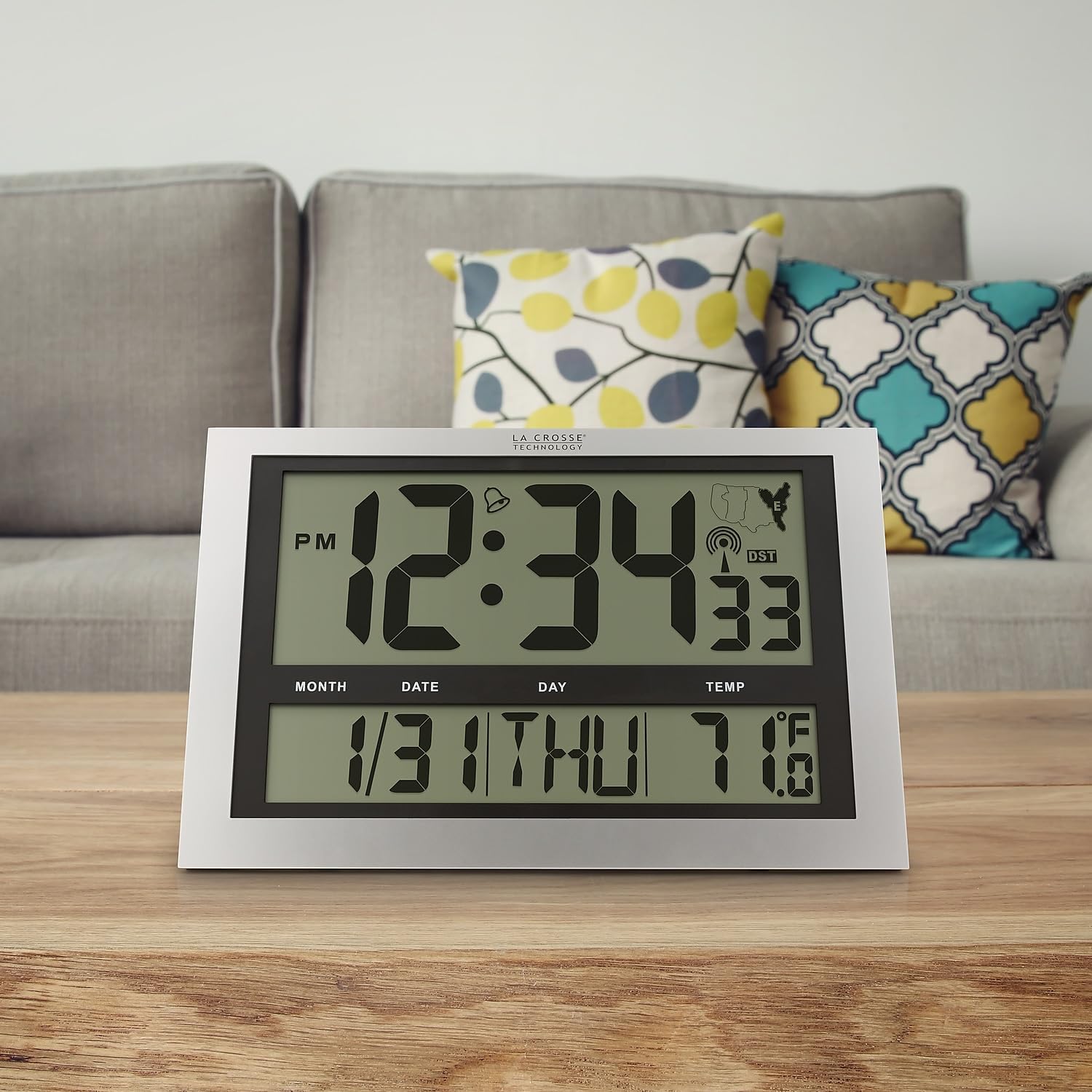
Image: La Crosse Technology Atomic Wall/Table Clock (Model 513-1211) standing on a wooden table, showcasing its use as a tabletop clock.
- Настенный монтаж: Collapse the foldout legs. Use the integrated hanging hole on the back of the clock to mount it securely on a wall using a screw (not included).
Инструкция по эксплуатации
1. Отображение времени и даты
The large LCD display shows the current time, date, and day of the week.
- Time Digits: The main time digits are approximately 4.25 inches tall for easy readability.
- 12/24-часовой формат: Нажмите НАБОР button briefly to toggle between 12-hour (AM/PM) and 24-hour (military) time formats.
- Вечный календарь: The clock automatically displays the month, date, and weekday (English only).
2. Отображение температуры
The clock monitors and displays the indoor temperature.
- Фаренгейт/Цельсий: Нажмите и удерживайте ° C / ° F button for 3 seconds to switch between Fahrenheit (°F) and Celsius (°C) temperature units.
- Диапазон температур: The indoor temperature range is 14°F to 122°F (-10°C to 50°C).
3. Функция будильника
The clock includes an alarm with a snooze feature.
- Установить будильник: Нажмите и отпустите кнопку НАБОР button to switch from TIME MODE to ALARM MODE. In ALARM MODE, press and hold НАБОР to adjust the alarm time using the WAVE/+ и DST/- кнопки. Нажимать НАБОР для подтверждения.
- Активировать / деактивировать будильник: In ALARM MODE, press the WAVE/+ button to turn the alarm ON or OFF. An alarm icon will appear on the display when activated.
- Отложить: Когда прозвучит сигнал будильника, нажмите кнопку SNOOZE кнопку, чтобы отключить сигнал тревоги на 5 минут.
4. Летнее время (DST).
Часы могут автоматически переходить на летнее время.
- DST On/Off: Нажмите DST/- button to enable or disable the automatic DST adjustment. The DST indicator will show on the display when enabled.
5. Manual Signal Search
You can initiate a manual search for the atomic time signal.
- Кнопка WAVE: Нажмите и удерживайте WAVE/+ button to start a manual signal search. The signal strength icon will flash during the search.
Обслуживание
1. Замена батареи
When the low battery indicator appears on the display, replace all 3 AA alkaline batteries promptly to ensure continuous operation and accurate timekeeping. Refer to the "Battery Installation" section for detailed steps.
2. Уборка
To clean your clock, use a soft, damp cloth. Do not use abrasive cleaners or chemicals, as these may damage the display or casing.
Поиск неисправностей
| Проблема | Решение |
|---|---|
| Нет дисплея или тусклый дисплей | Check battery polarity. Replace with fresh AA alkaline batteries. |
| Часы не принимают атомный сигнал | Ensure correct time zone is selected. Place the clock near a window, away from electronic interference. Initiate a manual signal search using the WAVE button. Allow up to 24 hours for signal acquisition. |
| Неверное время или дата | Verify time zone setting. Perform a manual signal search. If issues persist, manually set the time and date. |
| Показания температуры, по-видимому, неточны. | Ensure the clock is not exposed to direct sunlight or heat sources, which can affect temperature readings. |
Технические характеристики
| Особенность | Деталь |
|---|---|
| Номер модели | 513-1211 |
| Размеры (Ш x В x Г) | 16.75" W x 10.75" H x 1.38" D (approximate) |
| Отображение времени | Digital, 12/24 Hour selectable |
| Часовые пояса | PST, MST, CST, EST |
| Диапазон температур | от 14°F до 122°F (от -10°C до 50°C) |
| Единицы измерения температуры | Fahrenheit (°F) / Celsius (°C) selectable |
| Источник питания | 3 щелочных батареек АА (не входят в комплект) |
| Материал | Пластик |
| Варианты монтажа | Настенное крепление или настольное крепление |

Image: Display dimensions of the clock, showing the 4.25-inch height of the main time digits and 1.88-inch height of other display segments.
Гарантия
На продукцию компании La Crosse Technology распространяется гарантия. Ограниченная гарантия производителя сроком на 1 год from the date of purchase. This warranty covers manufacturing defects in materials and workmanship. It does not cover damage caused by misuse, accident, unauthorized modifications, or improper installation. For warranty claims, please retain your proof of purchase and contact La Crosse Technology customer support.
Поддерживать
For additional assistance, troubleshooting tips, or to contact customer support, please visit the official La Crosse Technology webсайт или обратитесь к контактной информации, указанной на упаковке вашего продукта.
You can also visit the La Crosse Technology store on Amazon for more products and information: La Crosse Technology Store