
1. Введение
Welcome to Microsoft Flight Simulator 2004: A Century of Flight. This manual provides essential information for installing, operating, and maintaining your flight simulation software. This edition celebrates 100 years of powered flight, offering a diverse collection of aircraft and historical scenarios.

Image 1.1: The game box and accompanying manual for Microsoft Flight Simulator 2004: A Century of Flight.
2. Системные требования
To ensure optimal performance, your computer system should meet or exceed the following minimum specifications:
- Операционная система: Windows 98/ME/2000/XP
- Процессор: 450 MHz or higher
- БАРАН: 128 МБ ОЗУ (рекомендуется 256 МБ)
- Жесткий диск: 1.8 ГБ свободного места на жестком диске
- Видеокарта: 16 MB DirectX 8.1 compatible video card (32 MB recommended)
- Звуковая карта: DirectX 8.1 compatible sound card
- Оптический привод: 8x CD-ROM drive or faster
- Вход: Keyboard and mouse (joystick or yoke recommended for enhanced experience)
3. Настройка и установка
Follow these steps to install Microsoft Flight Simulator 2004 on your PC:
- Insert Disc 1: Place the first installation disc into your computer's CD-ROM or DVD-ROM drive. The setup program should start automatically. If it does not, navigate to 'My Computer', open your CD/DVD drive, and double-click 'Setup.exe'.
- Следуйте инструкциям на экране: The installation wizard will guide you through the process. Read each screen carefully and click 'Next' to proceed.
- Принять лицензионное соглашение: You must accept the End User License Agreement (EULA) to continue the installation.
- Выберите тип установки: Select 'Typical' for a standard installation or 'Custom' to choose specific components and installation directory.
- Введите ключ продукта: When prompted, enter the unique product key found on the back of your game manual or disc sleeve.
- Disc Swaps: The installer will prompt you to insert subsequent discs (Disc 2, Disc 3, Disc 4) as needed to complete the installation.
- Полная установка: Когда все files are copied, click 'Finish' to exit the installer.
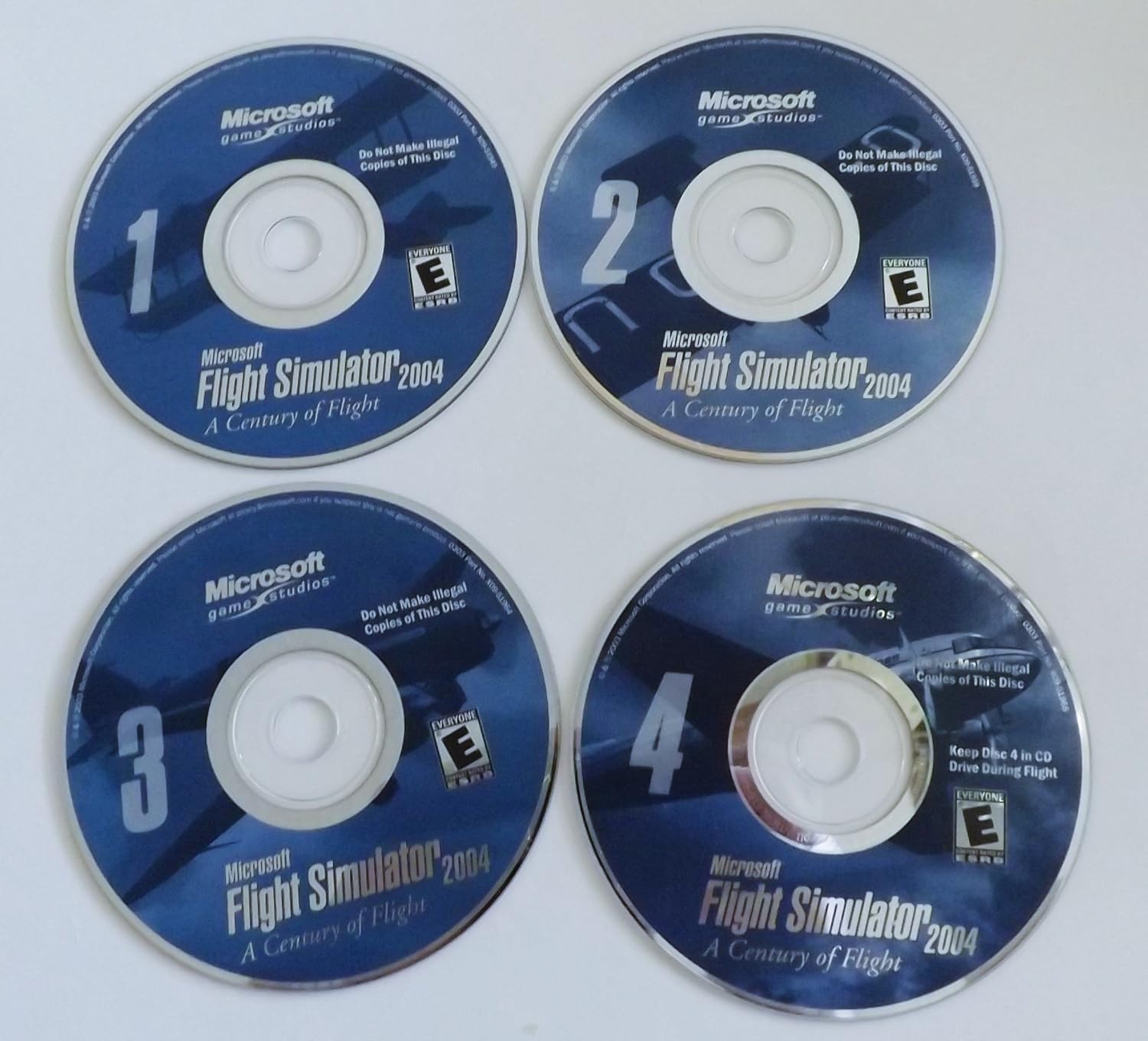
Image 3.1: The four installation discs for Microsoft Flight Simulator 2004. Disc 4 is typically required to be in the drive during gameplay.
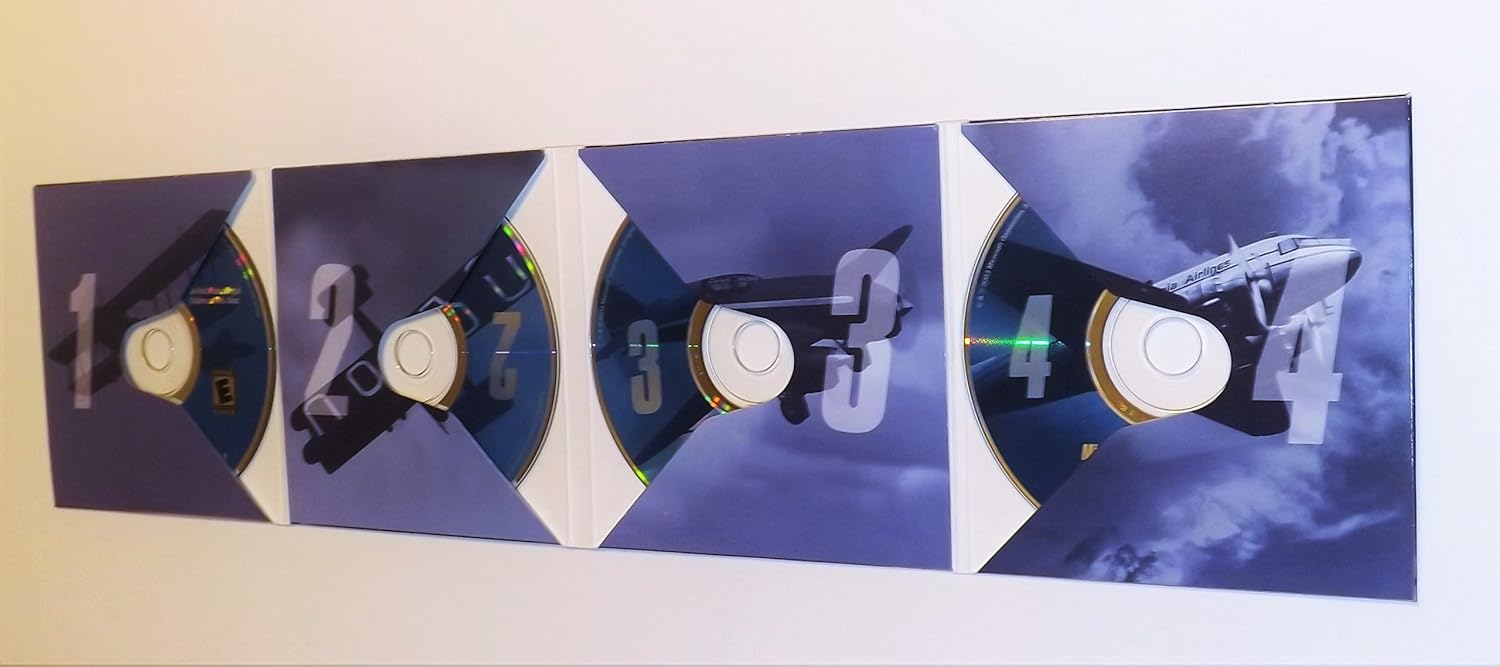
Image 3.2: The game's disc holder, opened to reveal the four installation discs.
4. Эксплуатация программного обеспечения
4.1 Начало игры
After successful installation, ensure Disc 4 is in your CD/DVD drive. You can launch the game from the desktop shortcut or the 'Start Menu' > 'Programs' > 'Microsoft Games' > 'Microsoft Flight Simulator 2004'.
4.2 Основные характеристики
- Dynamic Weather System: Experience realistic atmospheric physics with true three-dimensional clouds that form and dissipate, influencing flight conditions.
- Worldwide Scenery: Explore accurate 3D terrain and auto-generated objects that populate the world with appropriate buildings and vegetation.
- Enhanced Interactive Air Traffic Control (ATC): Engage with realistic ATC, including traffic at all airports globally, for an immersive flight experience.
- Improved Graphics Hardware Acceleration: Benefit from enhanced support for 3D graphics hardware acceleration across multiple windows and monitors.
- Многопользовательский режим: Connect with 1 or more players over a Local Area Network (LAN) or the Internet for shared flight experiences.
4.3 Основные элементы управления
The game supports keyboard, mouse, and joystick/yoke inputs. Familiarize yourself with the default key assignments, which can be customized within the game's 'Controls' menu.
- Презентация (презентация): Joystick Y-axis / Keyboard Up/Down Arrows
- Ailerons (Roll): Joystick X-axis / Keyboard Left/Right Arrows
- Руль (рыскание): Joystick Z-axis / Keyboard Numpad 0/Enter
- Дроссель: Joystick slider / Keyboard F1 (idle) to F4 (full)
- Крылышки: Keyboard F5 (retract) to F8 (extend)
- Шасси: Keyboard G
- Тормоза: Keyboard Period (.)
Режимы игры 4.4
- Free Flight: Choose any aircraft, location, and weather conditions to explore the world.
- Flight Lessons: Learn fundamental and advanced flying techniques with interactive tutorials.
- Historical Flights: Recreate famous flights from aviation history, celebrating a century of flight.
- Многопользовательский режим: Fly with or against other players online or on a local network.
5. Техническое обслуживание
Proper care of your game discs and system can help ensure continued enjoyment of Microsoft Flight Simulator 2004.
- Уход за дисками: Keep game discs clean and free of scratches. Store them in their original case when not in use. Use a soft, lint-free cloth to wipe discs from the center outwards if cleaning is necessary.
- Обновления системы: Ensure your operating system and graphics drivers are up to date for optimal performance and compatibility.
- Место на жестком диске: Periodically check for sufficient free hard drive space, as this can impact game performance.
6. Поиск Неисправностей
Если у вас возникли проблемы, рассмотрите следующие распространенные решения:
- Ошибки установки: Ensure your system meets the minimum requirements. Clean the installation discs and try again. Temporarily disable antivirus software during installation if it interferes.
- Игра не запускается: Verify that Disc 4 is in the drive. Check that your graphics drivers are current. Reinstall DirectX if necessary.
- Низкая производительность/низкая частота кадров: Reduce in-game graphics settings (e.g., scenery density, cloud detail). Ensure your graphics card drivers are updated. Close unnecessary background applications.
- Проблемы с контроллером: Calibrate your joystick or yoke through Windows control panel settings. Ensure the controller is properly connected before launching the game.
- Проблемы со звуком: Check your sound card drivers and in-game audio settings. Ensure speakers or headphones are correctly connected.
7. Технические характеристики
| Особенность | Деталь |
|---|---|
| Название продукта | Microsoft Flight Simulator 2004: A Century of Flight |
| Платформа | PC |
| Номер модели | Г13-00079 |
| Производитель | Майкрософт |
| Дата выпуска | 13 января 2004 г. |
| Язык | Английский |
| Вес товара | 6.4 унции |
| Размеры продукта | 5.35 x 0.55 x 7.5 дюйма |
| Рейтинг ESRB | Каждый |
8. Информация о гарантии
Microsoft Flight Simulator 2004 is covered by a limited warranty against defects in materials and workmanship. For specific details regarding the warranty period and terms, please refer to the End User License Agreement (EULA) included with your software or visit the official Microsoft support website. This warranty typically covers the physical media (discs) for a limited time from the date of purchase.
9. Поддержка клиентов
For technical assistance, frequently asked questions, or additional resources, please visit the official Microsoft support website. You may also find community forums and fan-created resources helpful for gameplay tips and advanced configurations.
- Официальная поддержка Microsoft: support.microsoft.com
- Flight Simulator Community Forums: Search online for 'Flight Simulator 2004 forums' for community-driven support.